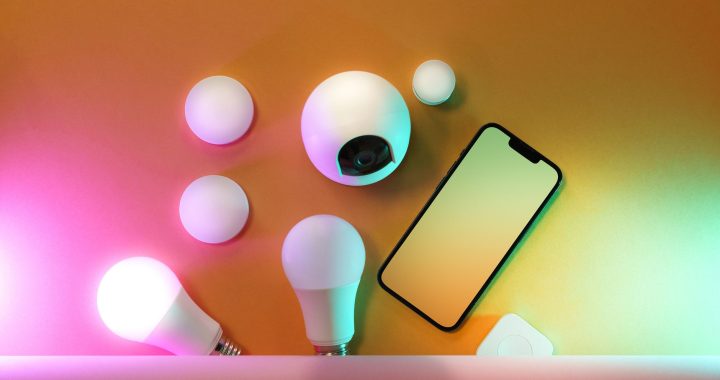
Smart home lighting doesn’t require technical expertise or complicated wiring. Many people avoid upgrading to smart lights because they believe installation is difficult, but the truth is simpler than you think. This guide walks you through how to install smart home lights using three beginner-friendly systems that require no special tools or electrical knowledge.
Why Smart Home Lighting Intimidates Beginners
The biggest barrier to smart home adoption isn’t technology—it’s fear. People worry they’ll break something, mess up the setup, or discover they need an electrician. The reality? The easiest smart light systems don’t touch your electrical panel or wiring at all. They work like regular bulbs but connect to your WiFi network instead.
Understanding Your Three Best Entry Points
Rather than recommending specific brands, we’ll focus on system types that work universally. Each approach offers different benefits for different situations.
Option 1: Smart Bulbs (The Easiest Start)
Smart bulbs are the simplest entry point for beginners learning how to install smart home lights. Here’s why they’re perfect for first-timers:
- Screw into existing light fixtures like regular bulbs
- No wiring, no electrician needed
- Work in any standard lamp or ceiling fixture
- You can start with one bulb in one room
Installation takes three steps: Turn off the light switch, unscrew the old bulb, screw in the smart bulb, and turn the switch back on. That’s genuinely it. Most smart bulbs are ready to connect within minutes.
Option 2: Smart Switches (Better for Whole Rooms)
If you want to control all lights in a room with one device, smart switches offer more control than individual bulbs. They replace your existing light switch but don’t require rewiring your home.
Smart switches fit into standard wall switch boxes. The installation involves turning off power at your circuit breaker, removing the existing switch, and connecting wires the same way your old switch connected them. If you’ve ever replaced a standard switch, a smart switch installation feels identical. Most come with clear diagrams showing exactly which wire goes where.
Option 3: Smart Plugs with Regular Bulbs
This is the absolute simplest option for non-technical users. Plug a smart plug into any outlet, then plug a lamp into the smart plug. You instantly control that lamp from your phone without buying special bulbs or touching your switches.
Smart plugs work with your existing lamps and bulbs. This approach costs less than smart bulbs for many rooms and gives you maximum flexibility.
Your Smart Light Setup Guide: The Five-Step Process
Step 1: Choose Your System Type
Decide which option fits your situation best. Smart bulbs for flexibility, smart switches for whole-room control, or smart plugs for simplicity. Most beginners start with one or two smart bulbs to test the concept before expanding.
Step 2: Check Your WiFi Network
Smart home lighting requires a stable WiFi connection. Your smart lights need to connect to the same network as your phone. If WiFi reaches that room for video streaming, it reaches for smart lights. You don’t need special WiFi or a technical setup—your regular home network works perfectly.
Step 3: Install the Hardware
For smart bulbs, simply replace old bulbs. For smart switches, turn off power and swap out the switch. For smart plugs, plug them in. None of these steps requires special knowledge or tools beyond possibly a screwdriver.
Step 4: Download the App and Connect
Download the manufacturer’s app, create an account, and add your device. The app walks you through connecting to your WiFi network. Most devices connect in under five minutes. The app will ask your WiFi password and the device broadcasts its own signal for you to connect to during setup.
Step 5: Test and Expand
Control your light from the app. Turn it on, off, and adjust brightness if your bulbs support it. Once you confirm everything works, consider adding more lights to other rooms.
Common Beginner Fears (Addressed)
Will I break something? Smart bulbs and plugs are impossible to break during installation. Smart switches require the same skill as replacing a regular switch—millions of homeowners do this annually.
What if my WiFi isn’t strong enough? Test it first. If you can stream video in that room, your WiFi is sufficient for smart lights.
Do I need professional installation? For smart bulbs and plugs, absolutely not. For smart switches, only if you’re uncomfortable working with electrical switches.
Start Your Smart Home Lighting Journey Today
Installing your first smart home lights is genuinely simple when you choose the right entry point. Begin with one smart bulb or plug to experience the convenience. You’ll quickly discover that smart lighting makes your life easier—controlling lights while cooking, dimming before bed, or automating schedules. The beginner smart home lighting tutorial you needed wasn’t complex technical information—it was permission to start simple. Your WiFi smart bulbs installation begins the moment you unscrew your first bulb.